TaleHive Get the app

How TaleHive works

Three steps. Ready in minutes.
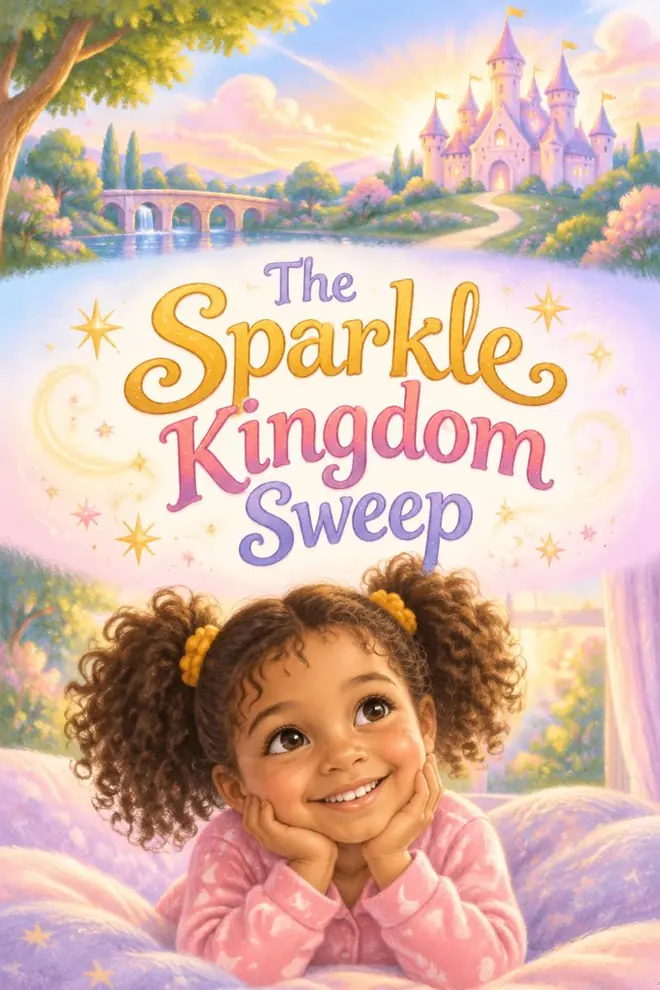
Book cover: The Sparkle Kingdom Sweep, with Tavi smiling in her pajamas
1

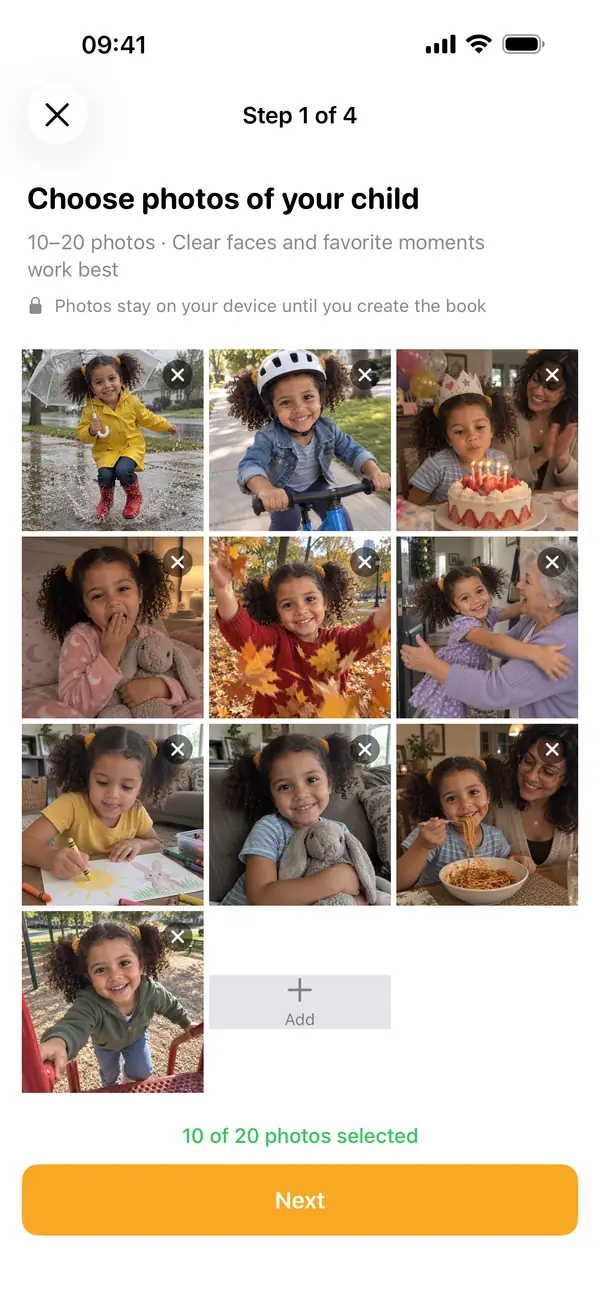
Pick 10 to 20 photos

Birthdays, bath time, the park. Everyday moments make the best stories.
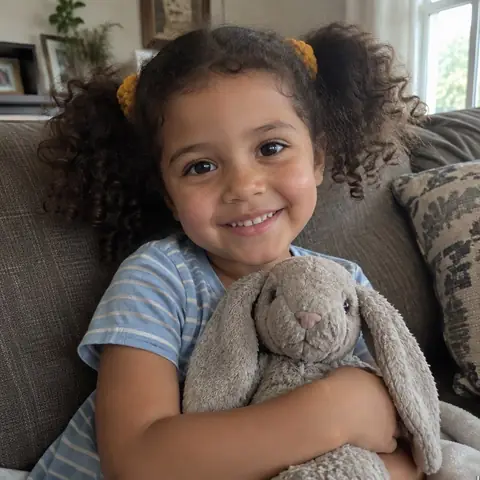
  • Sample photo: Tavi hugging a stuffed bunny on the couch
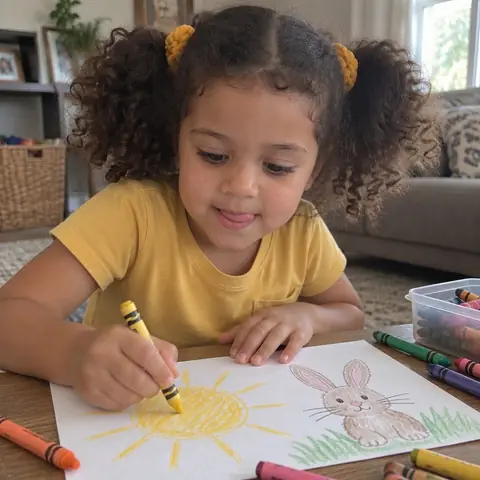
  • Sample photo: Tavi drawing a sun with crayons
  • Sample photo: Tavi tossing autumn leaves
  • Sample photo: Tavi in pajamas with her bunny
  • Sample photo: Tavi on a playground
  • Sample photo: Tavi riding a balance bike
TaleHive app: choosing 10 photos of Tavi
2

Choose a style

Add your child's name and age, then pick Soft Pastel, Watercolor, Crayon, and more.
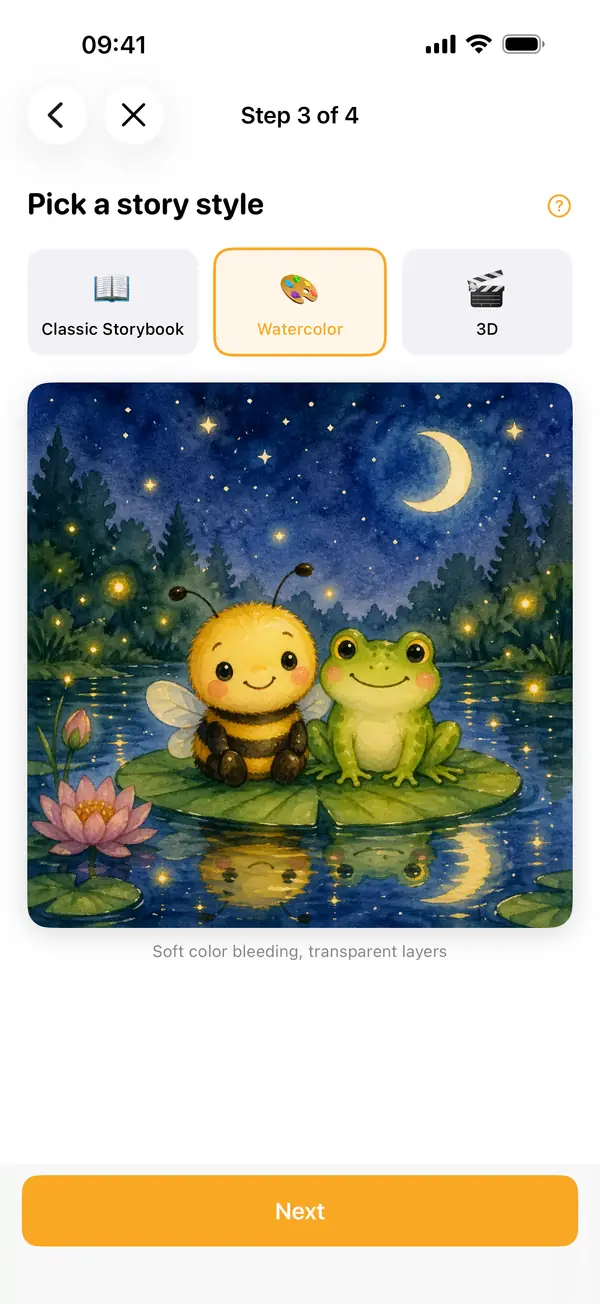
TaleHive app: picking a story style, Watercolor selected
3

Watch it come to life

The cover appears first, then each page. When it is done, read it together.
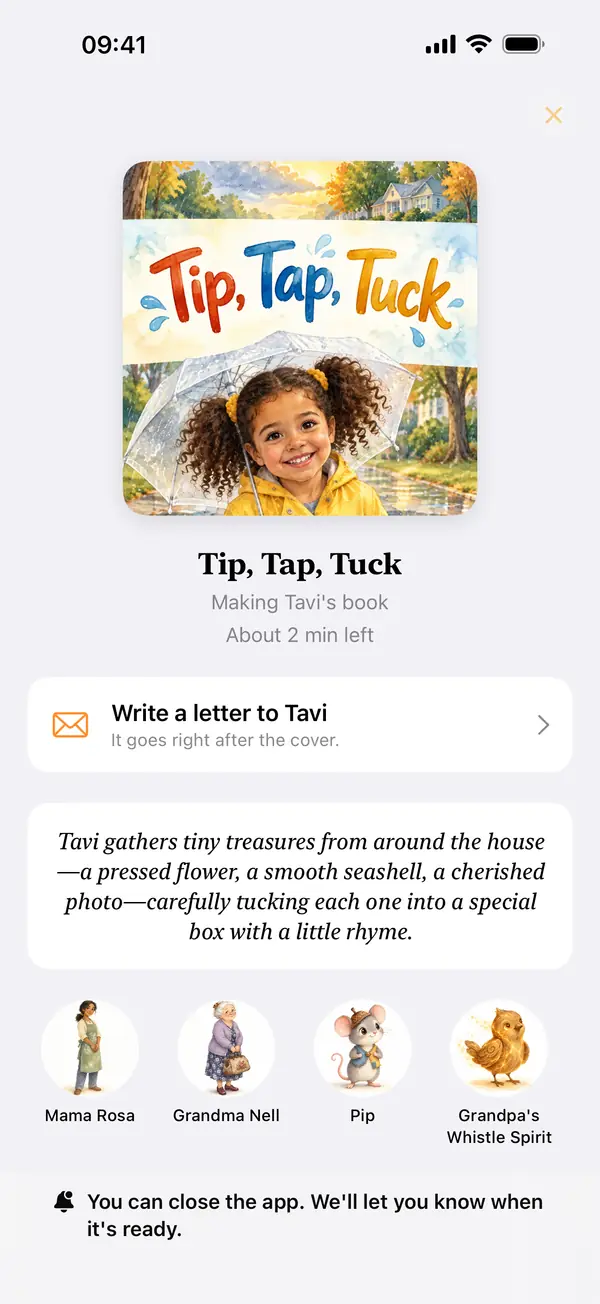
TaleHive app: the book cover appears first while the pages are made
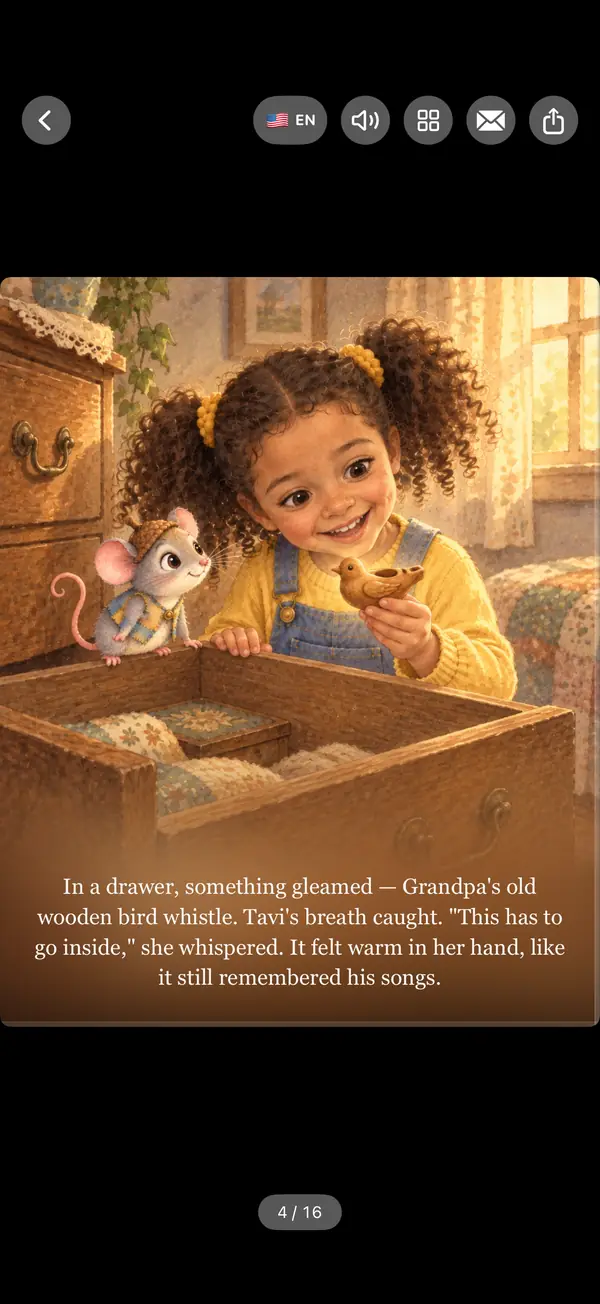
TaleHive app: a storybook page with Tavi and a mouse named Pip

Make it yours

Little extras.

Add a letter

Write a few words for the first page.
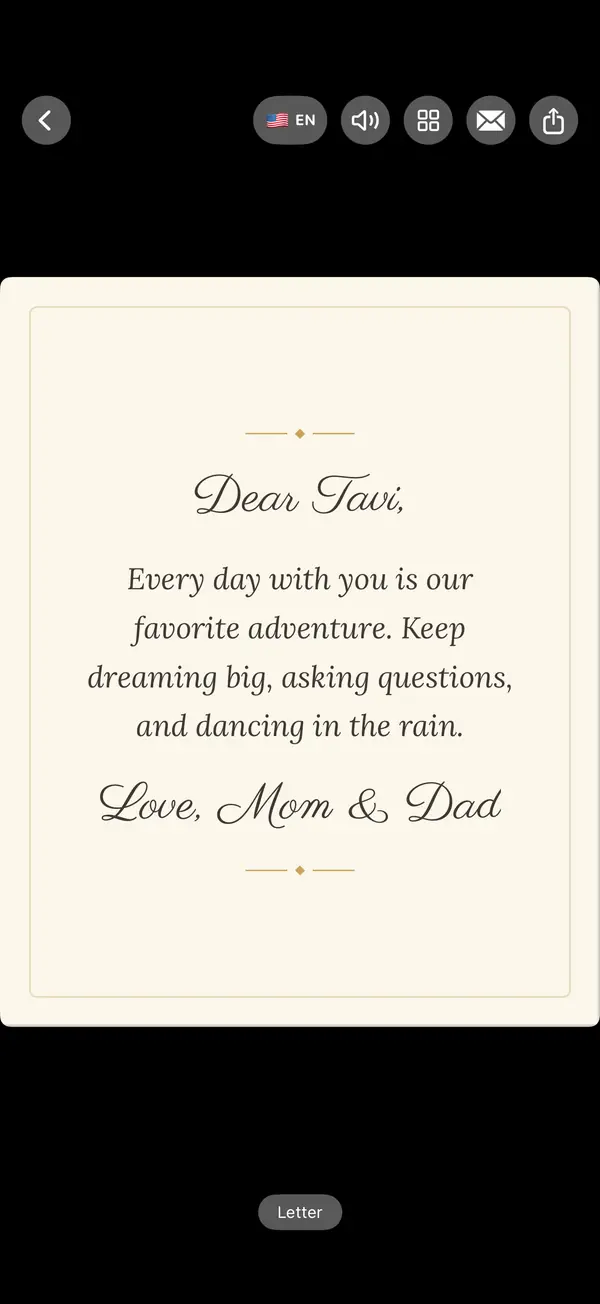
TaleHive app: a letter on the first page of the book

Read aloud

Press play at bedtime.

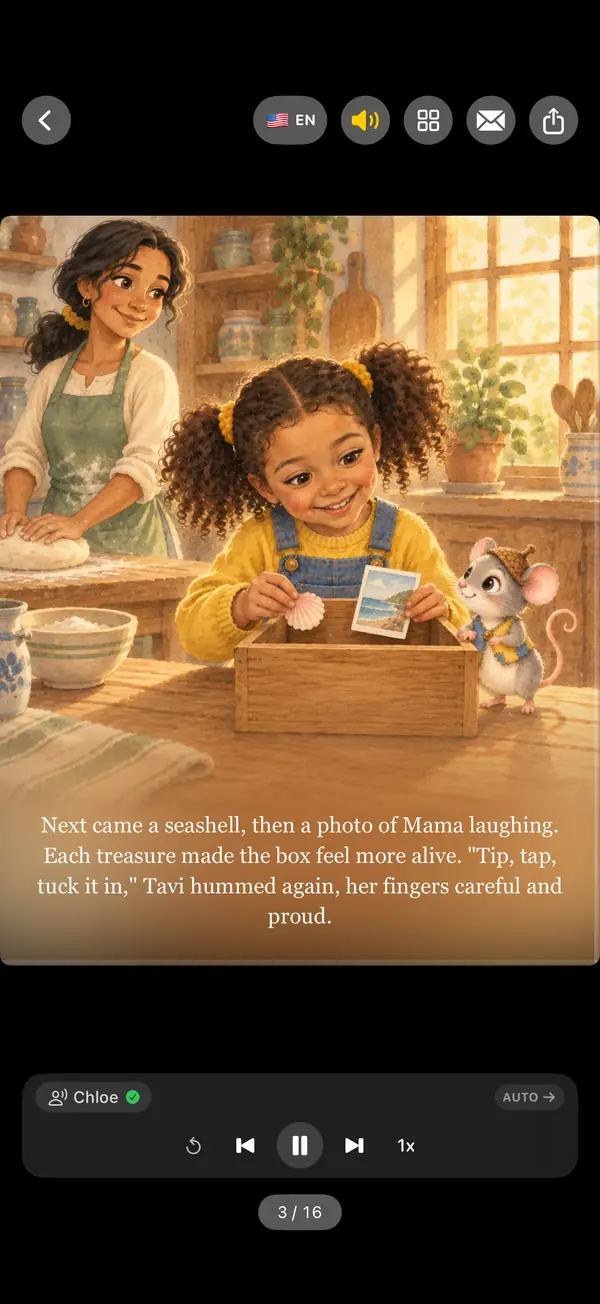
TaleHive app: a book page being read aloud

Share with family

Send a link. No app needed to read.
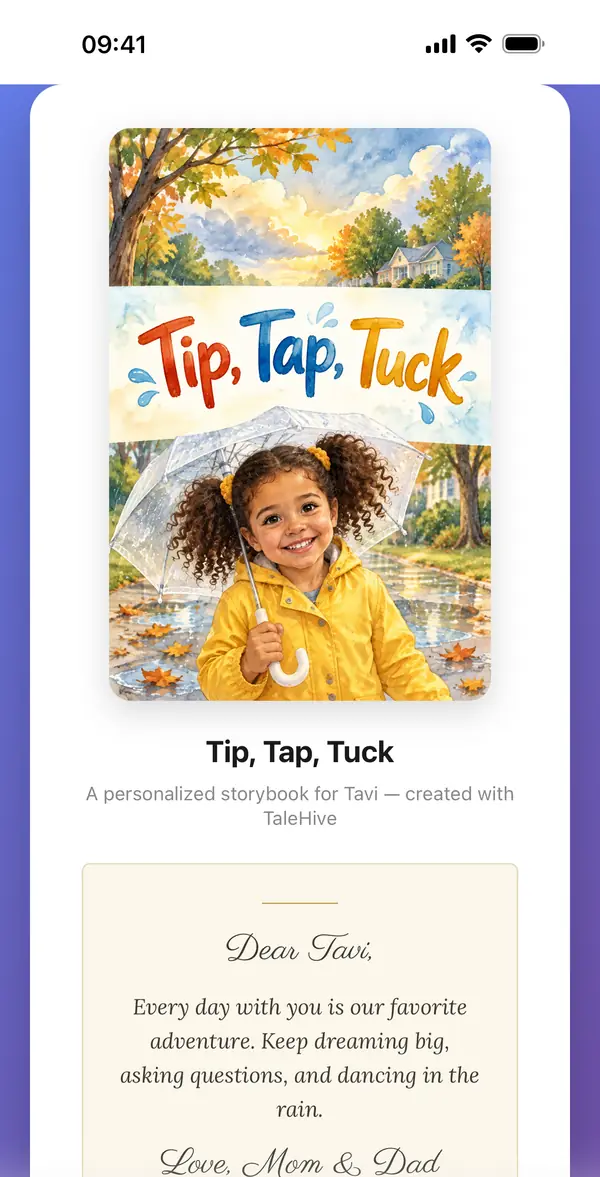
A shared book opened in a phone web browser

Your photos stay private.

We use them only to make your book. We never sell them or use them for ads.

Read the Privacy Policy →

Ready to make the first one?

Your first book is free.